

01 · OLT STATUS OVERVIEW
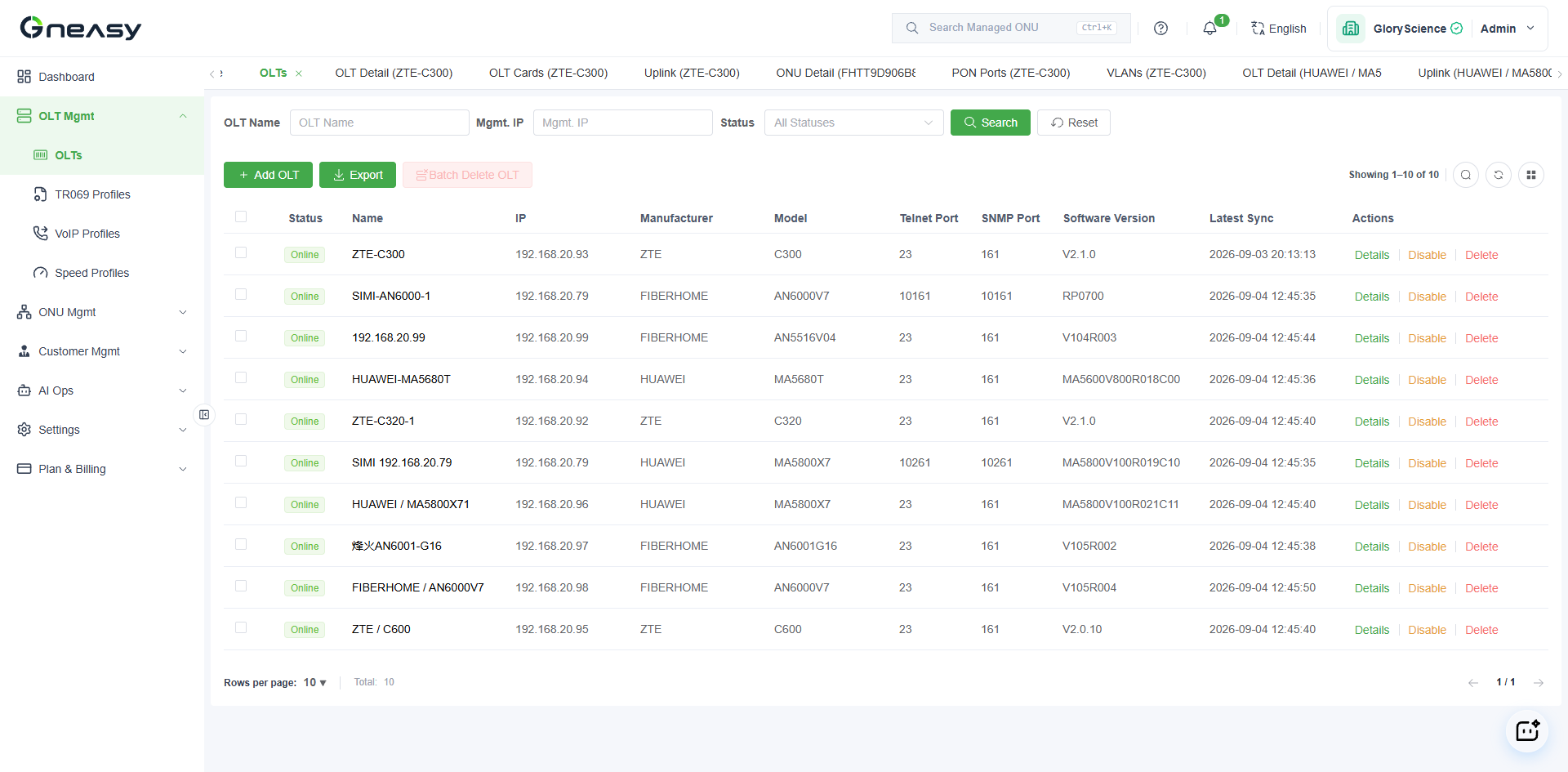
See which OLTs need attention first
Bring online rate, notable OLTs, and loaded resources together.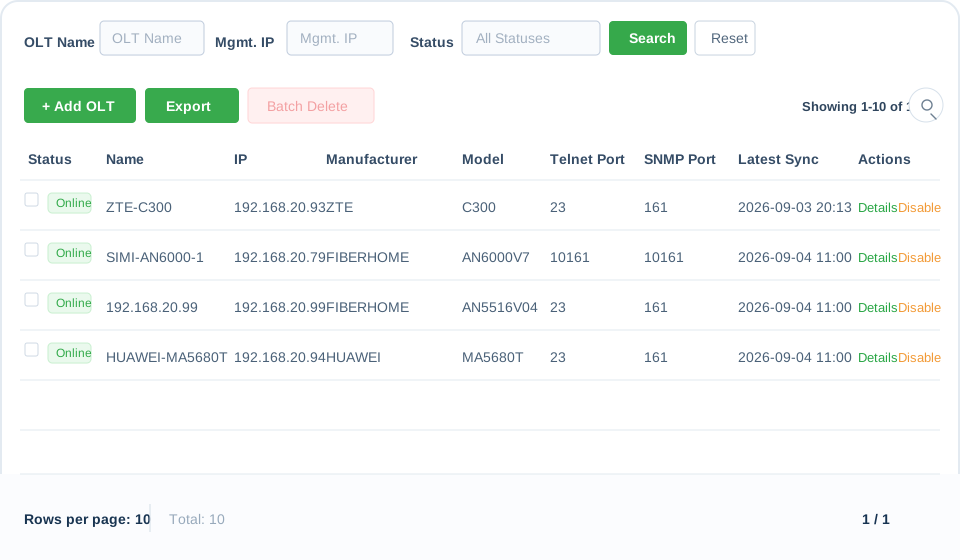
ONEASY OLT UNIFIED MANAGEMENT
Use Telnet and SNMP to centrally view devices, boards, PON ports, and configuration, then handle complex work through controlled CLI.
DAILY OLT OPERATIONS
Review OLT count, online rate, devices needing attention, and alerts.

Locate devices by name, vendor, model, or management IP.
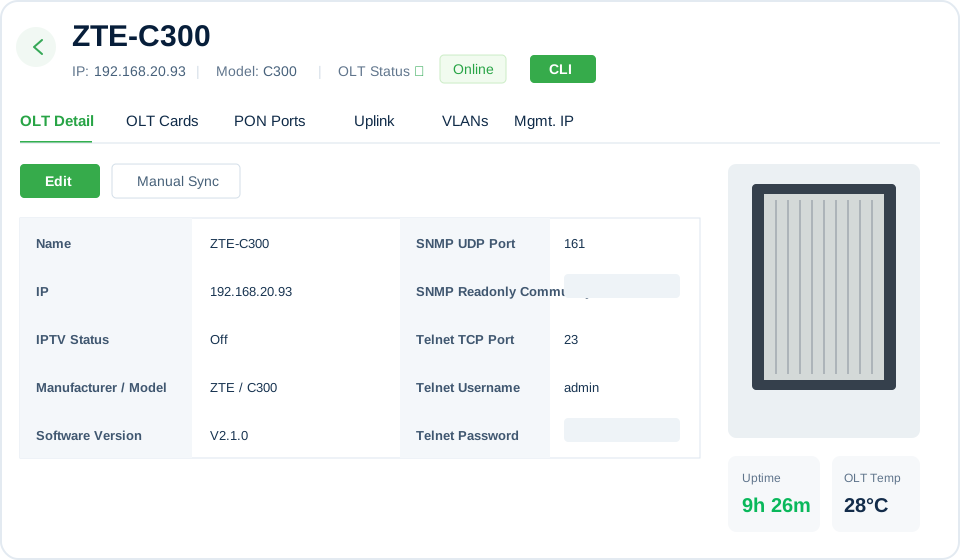
Check board state, PON optical power, ONU registrations, and traffic.

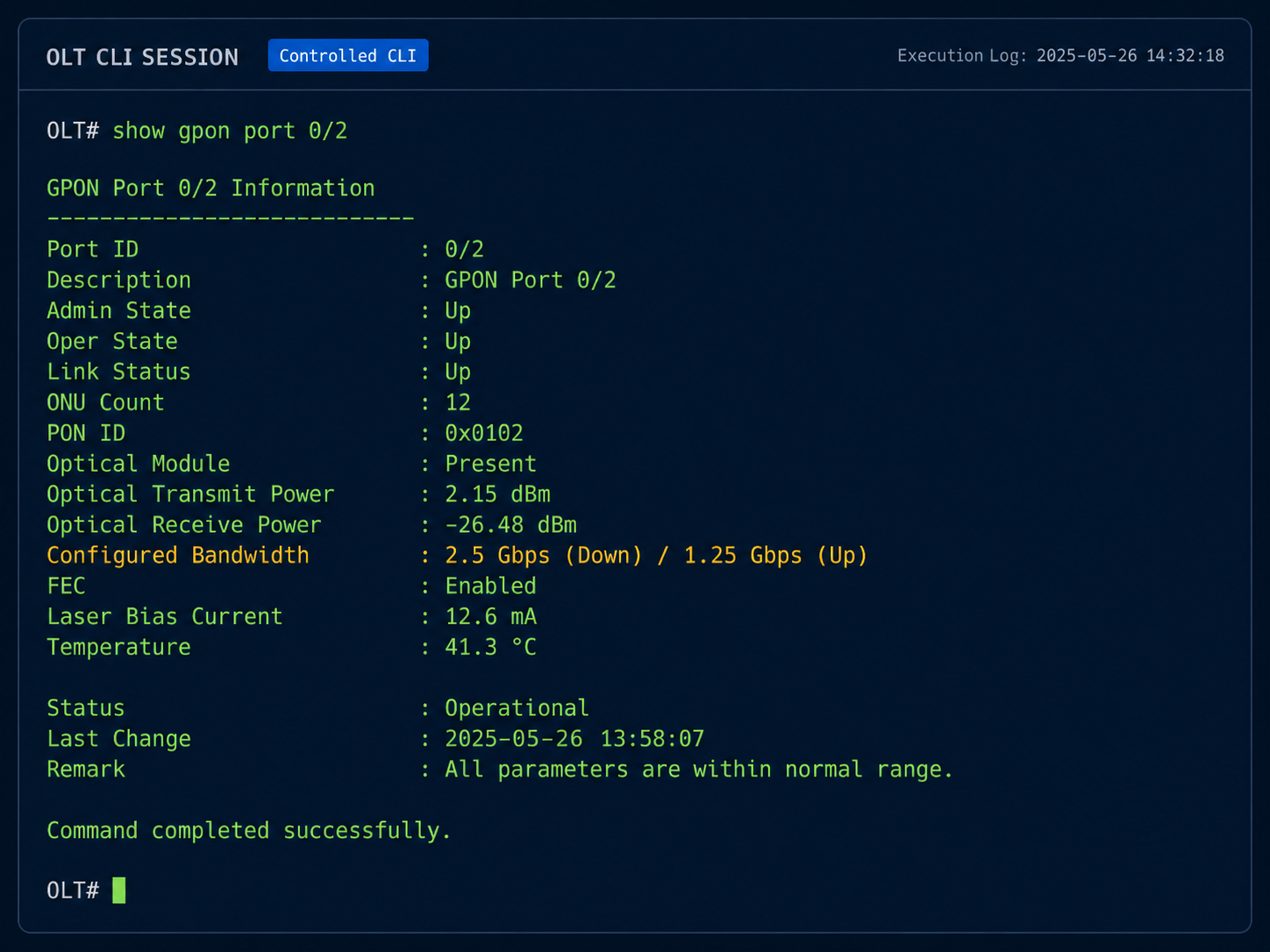
Run work from the profile or controlled CLI and follow execution centrally.
OLT DAILY OPERATIONS
01 · OLT STATUS OVERVIEW
02 · BOARDS, PON PORTS, AND UPLINKS
03 · VLAN, MANAGEMENT IP, AND TEMPLATES

04 · CLI AND OPERATION LOGS
ONEASY AGENT OPERATIONS ASSISTANT
Agent brings natural-language interaction into OLT operations, helping users search multi-vendor knowledge, locate features, and query and analyze platform data within their permissions.
Answer questions about device configuration, command meanings, alarms, and troubleshooting.
Explain features and locate the relevant OLT, template, and task pages.
Query operational data in natural language and turn actual results into summaries or charts.
Example: “Show me the PON port status in region 03 and list the ports that need attention.”
For configuration changes, high-risk remediation, and batch actions, return to the device page or task center and follow the controlled workflow.